Mettler Toledo Serial TOP Server + 1 Year License Maintenance
- Details
- Resources and Documentation
- Supported Devices
- Common Features
- Key Features
- Advanced Features
- Key Benefits
The TOP Server® Mettler Toledo Driver provides a communication interface to Mettler Toledo scales with the same level of performance, stability and ease of configuration as any other TOP Server driver.
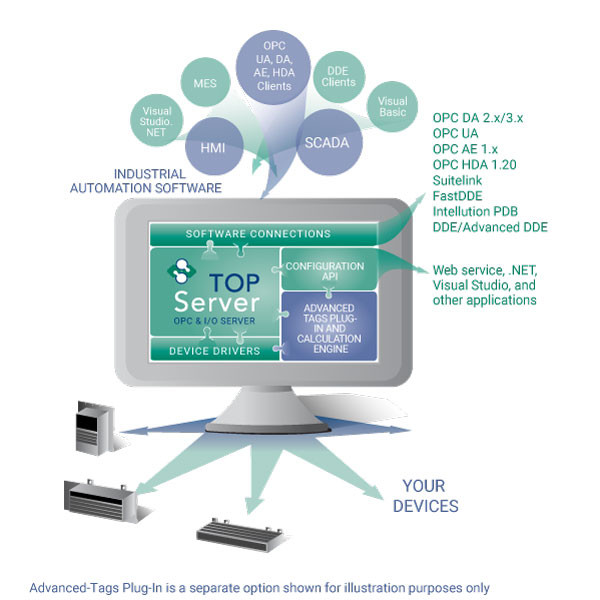
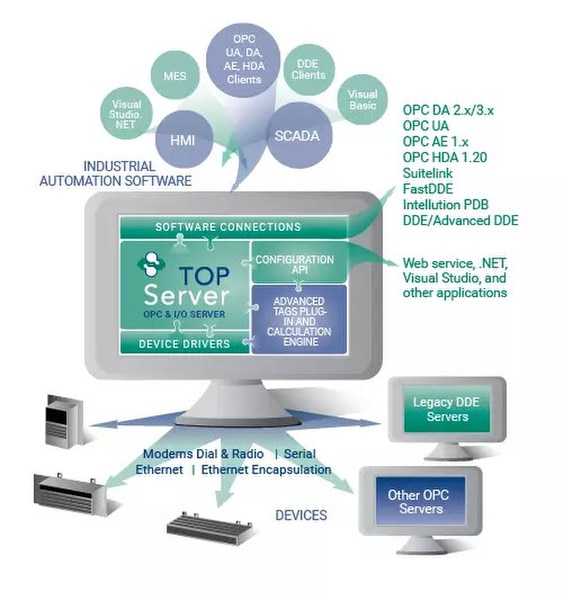
TThis driver provides data exchange between OPC UA, OPC DA, SuiteLink and DDE clients and Mettler Toledo scales supporting the Continuous Output and Continuous Extended Output protocol over Serial or Ethernet Gateway/Terminal Server connections. Data acquisition is optimized based on upstream client demand while data integrity is ensured using extensive error handling.
Support for reading data and writing commands to the scale are supported. More details on this page.
Available here as a standalone real-time data driver or also available in the following vertical Industry Suite:
TOP Server Manufacturing SuiteEverything you need to get started, configure, and troubleshoot your driver
Supported Devices (Don't See Your Device Listed? Contact Us)
IND131/331
IND135
IND226
IND310
IND560
IND560x
IND690
IND780
Jaguar / JagXtreme
Lynx
Panther
Note: For a complete list of supported models and firmware versions, please contact our technical support team or download the driver documentation.
- ✔High Channel & Device Support – Maximum Number of Channels & Devices: Channels - 100; Devices per Channel - 10 (NOTE: Practical channel/device limits will vary depending on your available system resources and communications architecture)
- ✔Standard Continuous Mode Support – Support for standard continuous data output mode
- ✔Extended Continuous Mode Support – Support for extended continuous data output with additional data fields
- ✔Supports Data Freshness – Monitors data age and quality to ensure current values
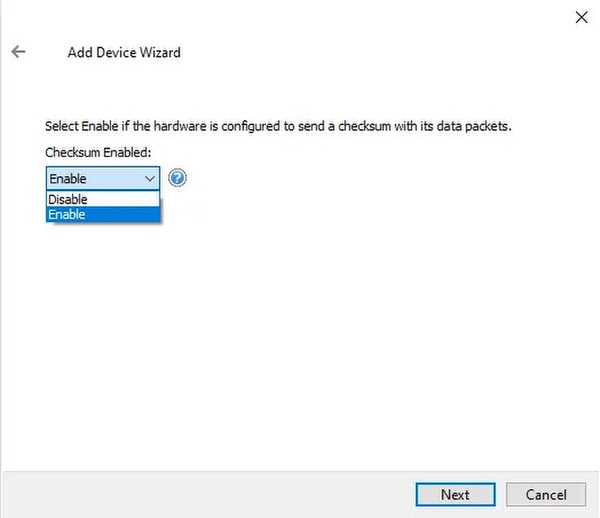
- ✔Hardware Checksum Support – Validates data integrity using hardware checksums
- ✔Automatic Tag Database Generation – Plug and play ease of use with automatic tag discovery
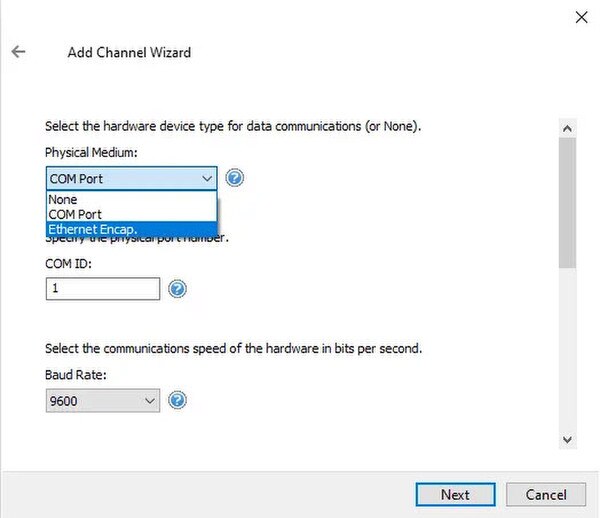
- ✔Ethernet Encapsulation Support – Supports Ethernet-to-Serial converter for flexible connectivity
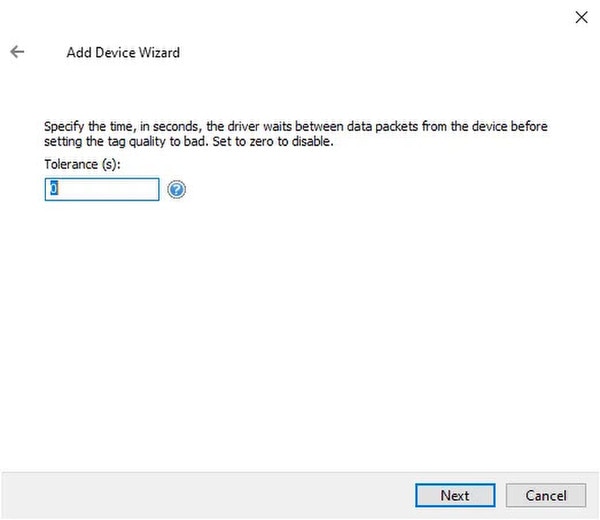
- ✓ Data Freshness - set data quality to bad if not updated within (#secs)
- ✓ Hardware Checksum support
- ✓ Automatic Tag Database Generation
- ✓ Supports Ethernet Encapsulation via Ethernet/Serial converters, Ethernet Device or Terminal servers
- ✓ Modem Support: Automatic dial configuration, Multiple phone number management
- ✓ Adjustable RTS Flow timing for Radio Modem communications
Everything you need for reliable industrial connectivity
Real-Time Data Access
Access live process data from your devices with minimal latency and maximum reliability.
Device Configuration
Read and write configuration parameters directly from your SCADA or HMI application.
Automatic Reconnection
Intelligent connection management automatically recovers from network interruptions.
Multi-Protocol Support
Supports multiple communication protocols for flexible deployment options .
High Performance
Optimized algorithms deliver maximum throughput with minimal system overhead.
Diagnostic Logging
Comprehensive logging helps troubleshoot issues and monitor driver performance .